
Power Apps Training in Hyderabad
Join our Power Apps Training in Hyderabad and learn how to quickly build custom business applications with little to no coding. Through hands-on, practical training, you’ll master automating workflows, integrating data sources, and creating user-friendly apps. Transform your ideas into powerful, real-world solutions that streamline processes and enhance business efficiency.
Get a Free Demo
🔹 Real-Time Workflow Exposure
🔹 Recorded Sessions
Get all the information you need about Power Apps Training in Hyderabad below.
HIGHLIGHTS

Expert Trainer


We’ll make sure your resume presents your expertise in the best way possible


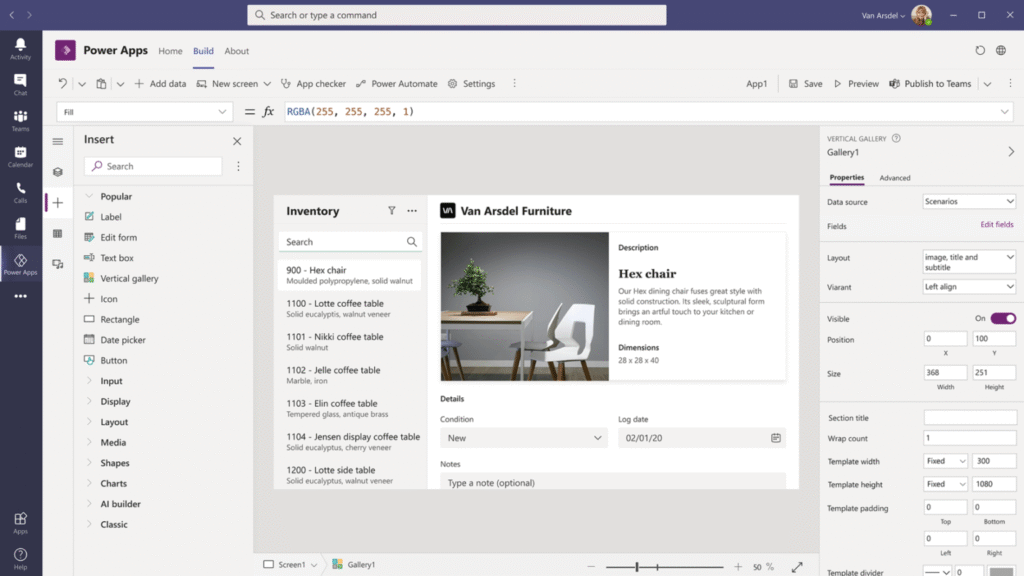
In today’s digital workplace, organizations are rapidly adopting low-code platforms to automate processes and boost efficiency—and Microsoft Power Apps
is leading this change.
High Demand for App Developers: Businesses need custom applications faster than ever, and Power Apps enables you to build them with little to no coding skills.
Boost Career Opportunities: Gain in-demand skills that open doors to roles in app development, business analysis, and process automation.
Empower Yourself & Your Team: Build mobile-friendly apps that solve real business challenges without waiting for IT support.
Part of the Microsoft Power Platform: Seamlessly integrates with Power BI, Power Automate, SharePoint, and Microsoft Teams for end-to-end solutions.
Low-Code is the Future: According to Gartner, 70% of new applications will be developed with low-code tools by 2025.
Start learning Power Apps today and be part of the digital transformation wave.
Power Apps Training Objectives
Power Apps Training Objectives
Learn to build business applications quickly with low-code technology.
Improve business productivity through custom app development.
Simplify daily operations by automating manual processes.
Manage and organize data efficiently across departments.
Create apps based on specific business needs and workflows.
Connect Power Apps with Microsoft 365, SharePoint, Dataverse, and SQL Server.
Enable both technical and non-technical users to develop apps easily.
Automate repetitive tasks to save time and increase efficiency.
Support innovation with faster app creation and deployment.
Gain real-time insights using dashboards and live data integration.
Design responsive apps for desktop, tablet, and mobile devices.
Reduce development cost and save time using low-code tools.
Improve team collaboration through shared business applications.
Learn secure app deployment with enterprise-level standards.
Build scalable solutions for real-world business challenges.
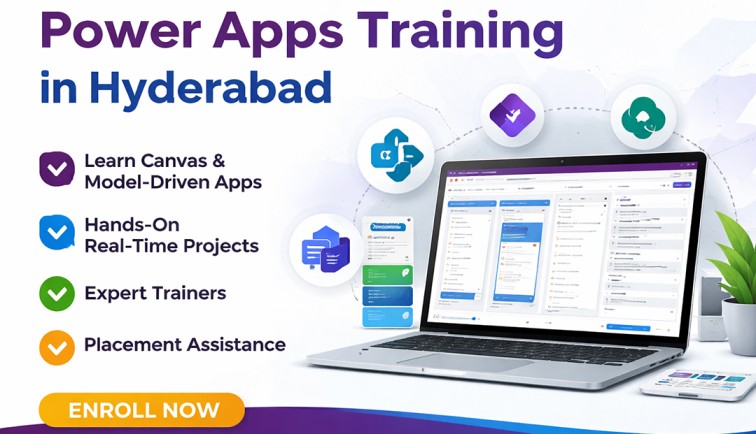
Who should learn PowerApps?
CURRICULUM
- Types of Power Apps
- Power Apps building blocks
- Power Apps Development Environment Setup
- Power Apps for Admins
- Power Apps for Developers
- Create a blank Canvas app
- Create an app from template
- Create an app from a data source (sharepoint)
- Create a Canvas app from excel
- Explanation of Canvas App Layouts
- Create a Blank Canvas App Types of Screens in Canvas App
- Canvas App Screen properties Renaming & Reorder Screen
- Navigate Functions & Its parameters
- Notify Power Apps Functions & Its Parameters
- Introduction to Power Apps Connectors
- Different Types of Connectors in Power Apps
- Build an App using MS Excel as a data source
- Introduction to Gallery, Data table
- Different Between Gallery & Data table
- Different Type of Galleries in Canvas
- Customization of the forms and Gallery controls
- What is Search Function & its parameters
- Implementation of search function
- What is sort Function & its parameters
- If – Else Condition & its Implementation
- Nested if – Else Conditions its Implementation
- Switch Conditions its Implementation
- Use Cases :
a) Modifications to data depending on user input
b) Hide and show controls based on user inputs
- What is Power Apps Variables
- What are Diff types of variables in power Apps
- Scope of Power Apps variables
- Application of Power Apps Variables
- Implementation of Dynamic sort
- Creating Custom form & using patch function for submitting Data
- Using “Updatelf” function to update a record
- Uses of Filter, LookUp & search
- Implementation cascading Dropdown Lists of Dynamic sort
- What is Collection
- How to Create and use collection(s)
- Diff between “collect” & “Clear Collect”
- Overview of Model Driven PowerApps
- What is site map, how to map Dataverse table
- Create views in model driven app
- Create forms in model driven app
- Business roles in model driven app
- Create charts in model driven app
- Create Dashboard in model driven app
- Debug Power Apps with Monitor
- Common Issues & Resolutions
- Get a session or app ID
- Change Power Apps Studio Version
- Troubleshoot startup issues for Power Apps
- Overview of Dataverse
- Different types of Tables in Dataverse
- Create a Table in Dataverse
- Views & Forms in Dataverse
- Define Relationships in Dataverse
- Use Power BI with Dataverse
- Create Power BI Report & Dashboards
- View Table data in Power BI Desktop
- Adding Power BI Reports in Power Apps
- Create Mobile & Tab views for Power BI Reports in Power Apps
- Power Apps usage as a Visual in Power BI
- What is Power Automate & Basic Examples
- Calling Power Apps in Power Automate
Benefits of Learning Power Apps Training in Hyderabad
Learn Low-Code App Development
Understand how to build modern business applications quickly using Microsoft Power Apps with minimal coding.
Create Custom Business Applications
Develop apps that connect with Microsoft Dataverse, SharePoint, SQL Server, Excel, and other popular data sources.
Explore Different Power Apps Types
Gain practical knowledge of Canvas Apps, Model-Driven Apps, and Power Pages for various business requirements.
Build Real-Time Business Solutions
Learn to create applications for inventory management, employee requests, approvals, attendance, and workflow automation.
Easy Drag-and-Drop Interface
Use Power Apps’ user-friendly design tools to build apps faster and improve user experience.
Make Better Business Decisions
Create apps with dashboards, reports, and live data to support smarter and faster decision-making.
Build Apps for Any Business Need
Design custom solutions from scratch or use ready-made templates for different industries and departments.
Faster App Development
Use templates, existing data, or blank canvas methods to reduce development time and improve productivity.
Learn Microsoft Dataverse
Store and manage business data securely while applying rules, automation, and scalable cloud solutions.
Why Choose Power Apps Training in Hyderabad at Vinay Tech House?
Practical Real-Time Training
Get hands-on training with live projects and real business scenarios for better understanding.
Industry-Based Case Studies
Learn through real-world examples that show how companies use Power Apps in daily operations.
Experienced Trainers
Sessions are conducted by professionals with strong real-time industry experience.
Recorded Sessions
All classes are recorded and shared for revision and future learning support.
Flexible Batch Timings
Choose from weekday, weekend, and fast-track batches based on your availability.
Affordable Course Fees
We provide quality training at budget-friendly pricing with flexible payment options.
Career Support
Receive resume guidance, interview preparation, and placement assistance to help start your career.
Power Apps Course in Hyderabad
Frequently Asked Questions
Power Apps Training in Hyderabad
No — this Power Apps course is designed for absolute beginners as well as people with experience. We begin from the very basics (no-code / low-code concepts) and gradually build up to the more advanced parts of Power Apps.
You’ll gain hands‑on experience with:
Power Apps Canvas Apps & Model‑Driven Apps
Microsoft Dataverse (for data storage, tables, relationships)
SharePoint, Excel, SQL & other Connectors as data sources
Power Automate (to build workflows / automations)
Power Fx (formulas and logic inside Power Apps)
Screens, Controls, Galleries & Forms for UI design
App Checker, Monitor & Performance tools
Security, Governance & Environment Management
Yes — we offer a free demo session for the Power Apps course so you can see the teaching style, explore the tools (Canvas / Model‑Driven Apps, Dataverse etc.), and decide if it fits your learning needs before enrolling.
No — The Power Apps course is built for both beginners and professionals. We start from the basics (e.g. the low‑code/no‑code fundamentals) and gradually move on to more advanced topics as you become comfortable.
You’ll gain hands‑on experience with:
Canvas Apps & Model‑Driven Apps in Power Apps
Microsoft Dataverse (tables, relationships, choice fields, etc.)
Power Automate (for workflows / flows to automate tasks)
Connectors: SharePoint, Excel, SQL, and other data sources / APIs
Power Fx formulas & logic (similar to Excel formulas)
UI design tools: Screens, Galleries, Forms, Controls, Responsive layout
App sharing, security, environment & solution management
Performance tools, delegation, testing / monitoring features
Yes — we offer a free demo session for the Power Apps course so you can see the teaching style, explore sample apps (Canvas / Model‑Driven), understand what tools & topics we cover (Dataverse, Power Automate, UI design etc.), and decide if this is the right fit before enrolling.






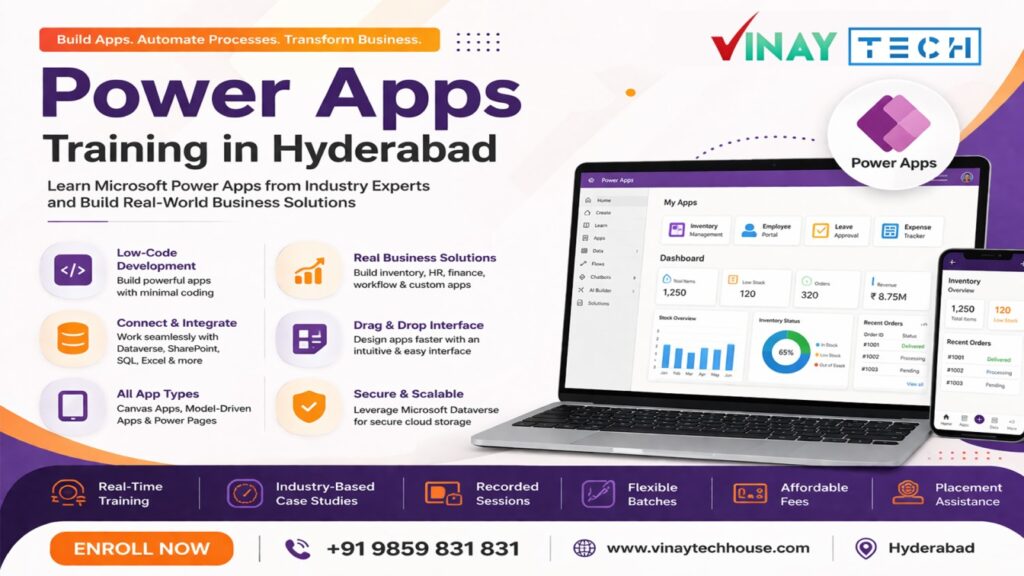
POWER APPS
Mr. Sreedhar (9+ years Expernice in IT)
Duration: 60 Days
One Near Real-Time Project
2 Years Class Videos Access
Multiple Real-Time Case Studies
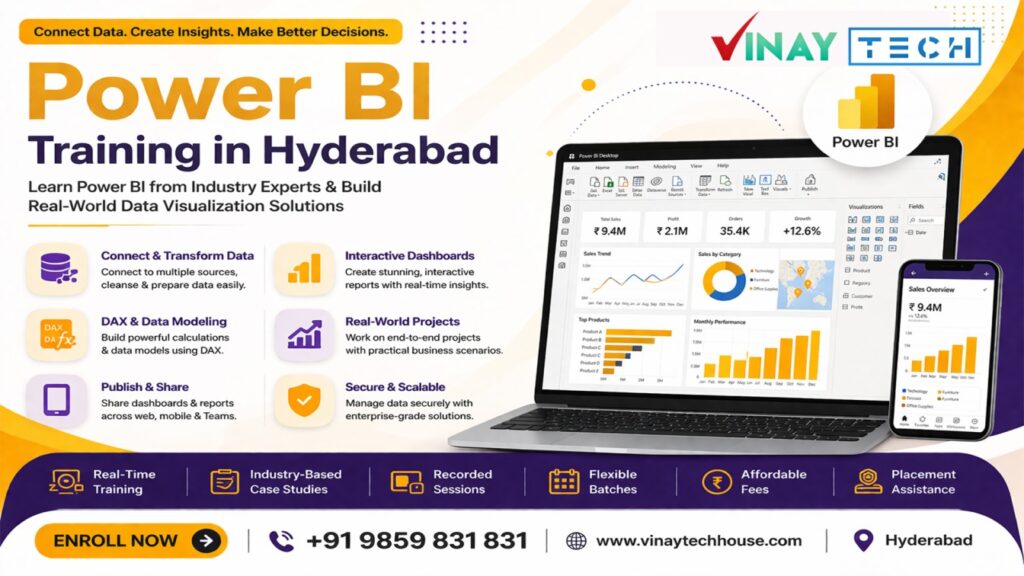
POWER BI
Mr. Vinay (12+ years Expernice in IT)
Duration: 60 Days
Two Near Real-Time Project
2 Years Class Videos Access
Multiple Real-Time Case Studies
POWER BI
Mr. Vinay (12+ years Expernice in IT)
Duration: 60 Days
Two Near Real-Time Project
2 Years Class Videos Access
Multiple Real-Time Case Studies